
Business records
Kept in your OpenAlly account, shared by everything here.
- Products and stock
- Customers
- Orders and invoices
- Bookings
- Your team
OpenAlly™ · Mobile-first business apps
Start from a template, tell OpenAlly how you work, and adjust it until it fits. Your store, stock, orders and invoices share one set of records, so every new app starts with what you already have.
Android & iPhoneContinue on Mac
46 model providers. Start free with your own AI.
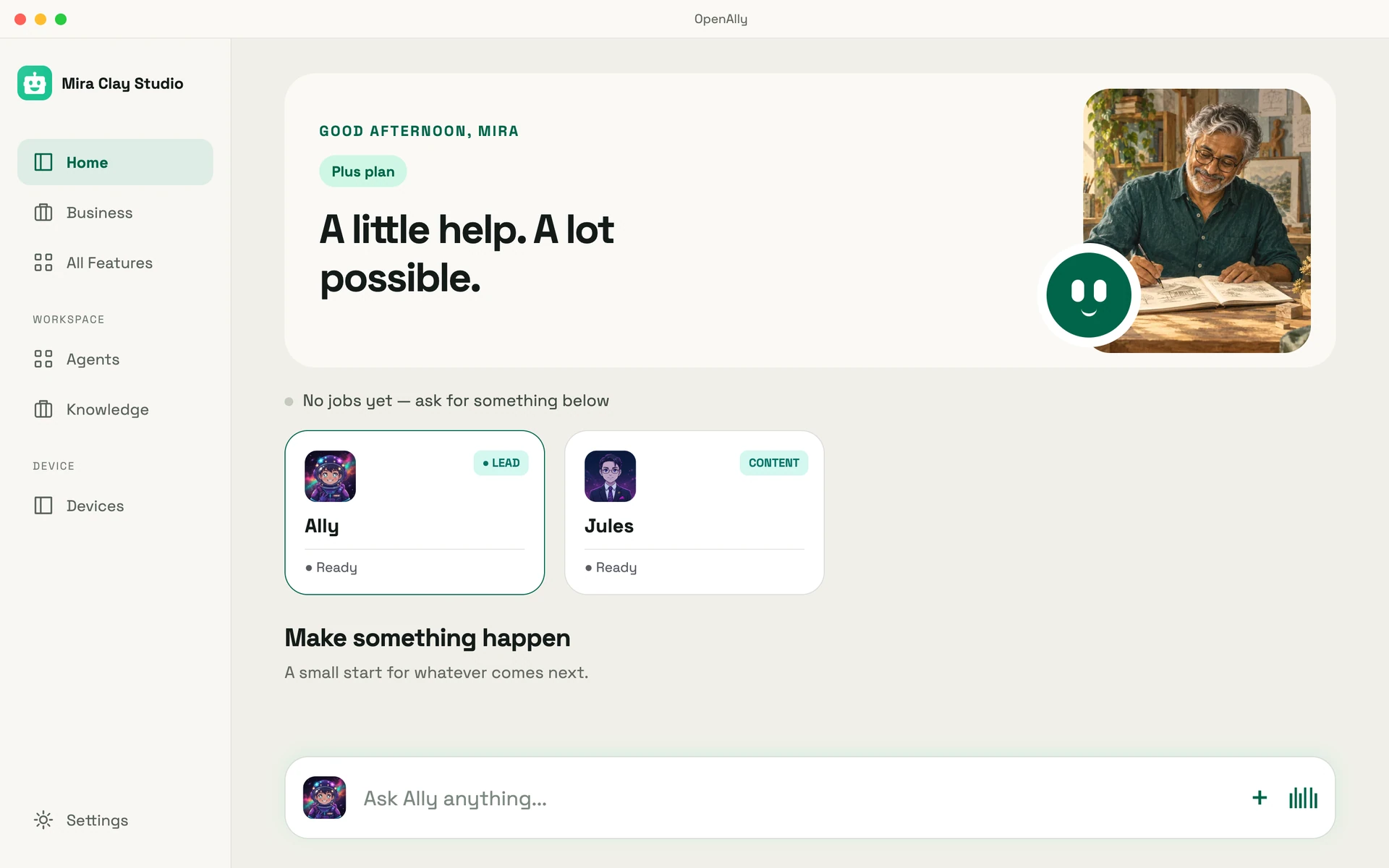
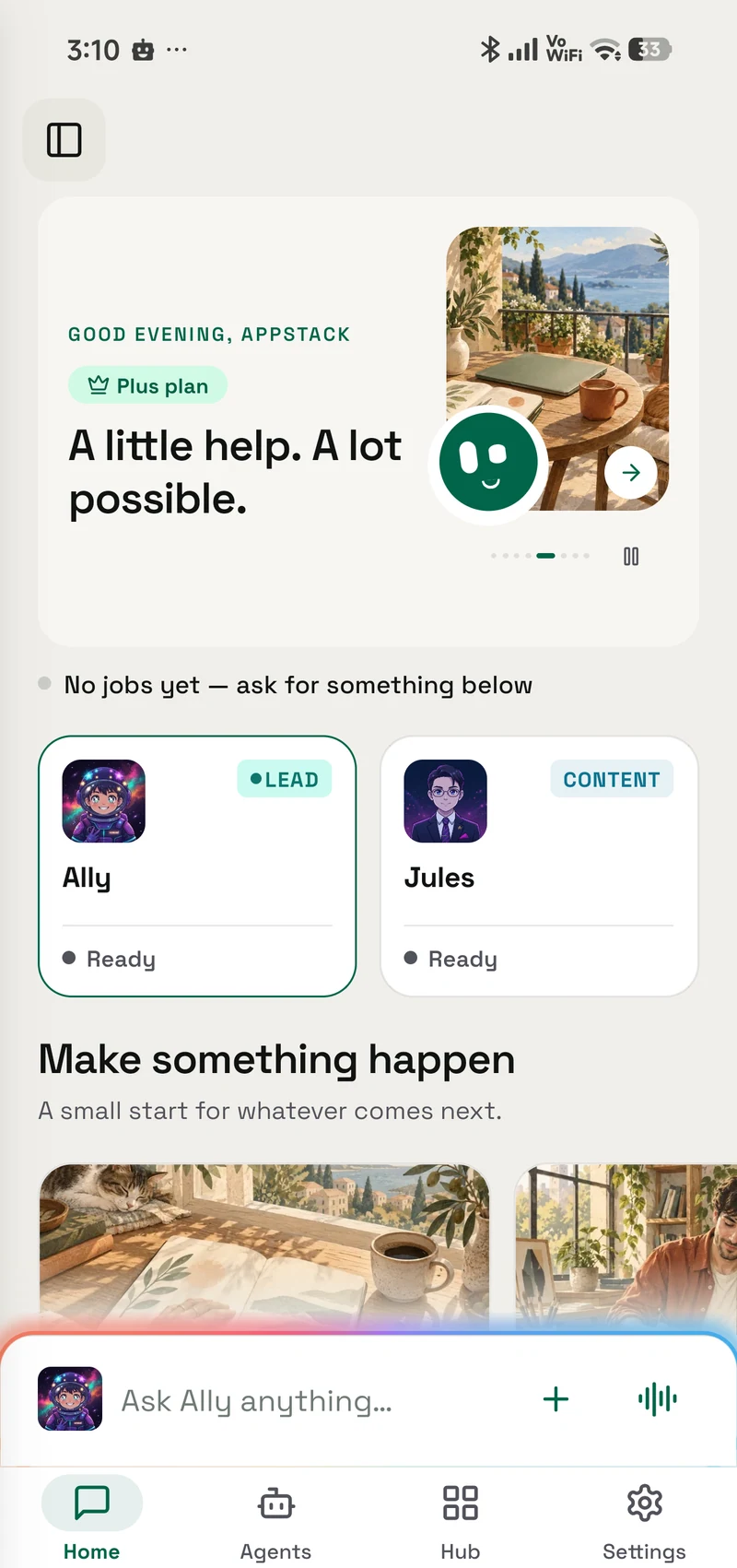
A day with OpenAlly
Meet Mira Clay Studio. See how a business owner brings her products, creative work and AI team into one workspace.
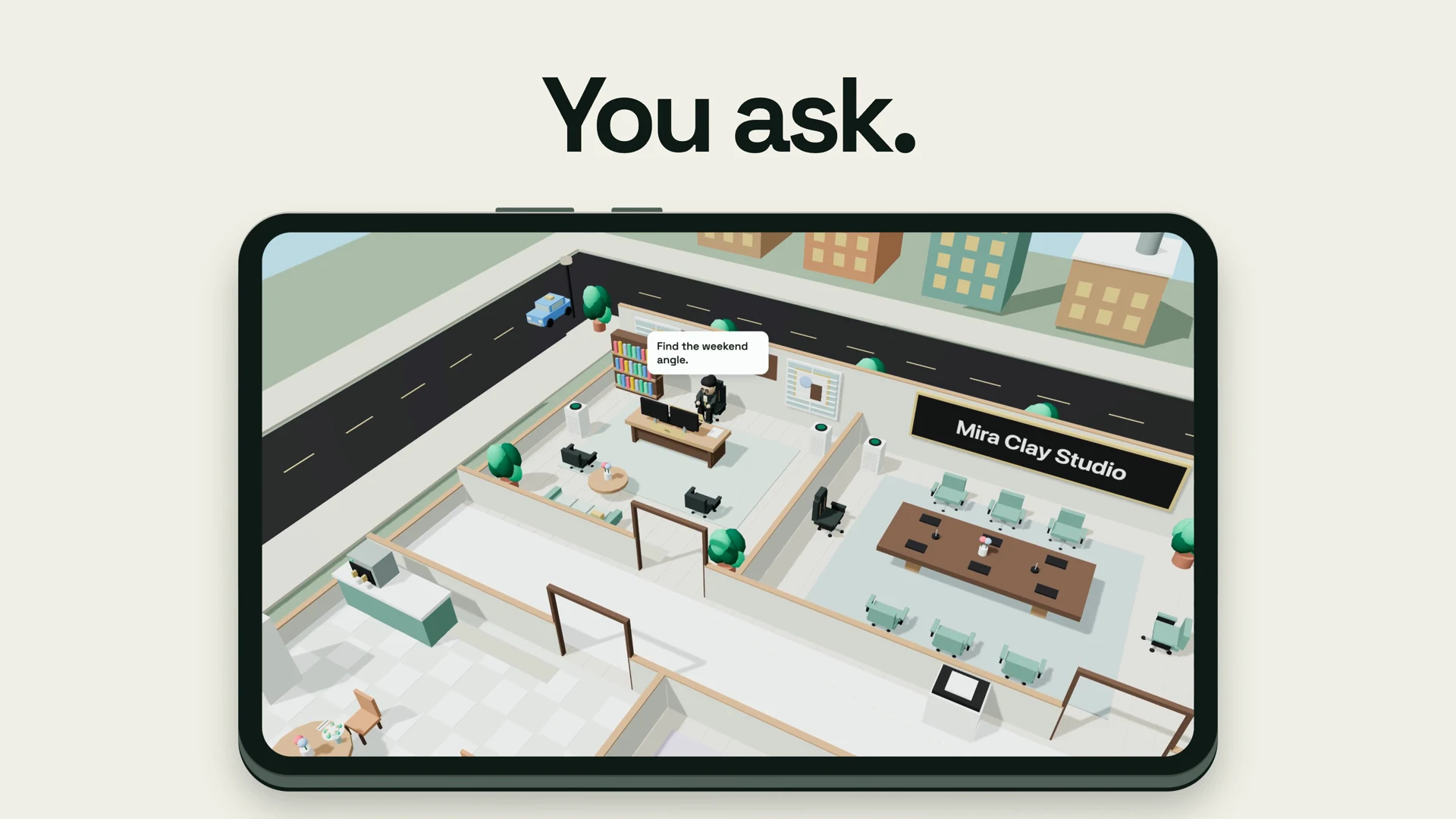
1:57 product demo. Music and sound effects; no spoken dialogue.
Pick the template closest to your business: a shop, a restaurant or a salon. OpenAlly fills it from the products, photos and details already in your Business app. After that, ask for changes in plain words and publish when it looks right.
“Move the reviews above the menu, and make the buttons saffron.”

 Tulsi & ThreadShop · collections, sizes and a cartOpen the live site(opens in a new tab)
 Kesar & Curry LeafRestaurant · menu, orders and tablesOpen the live site(opens in a new tab)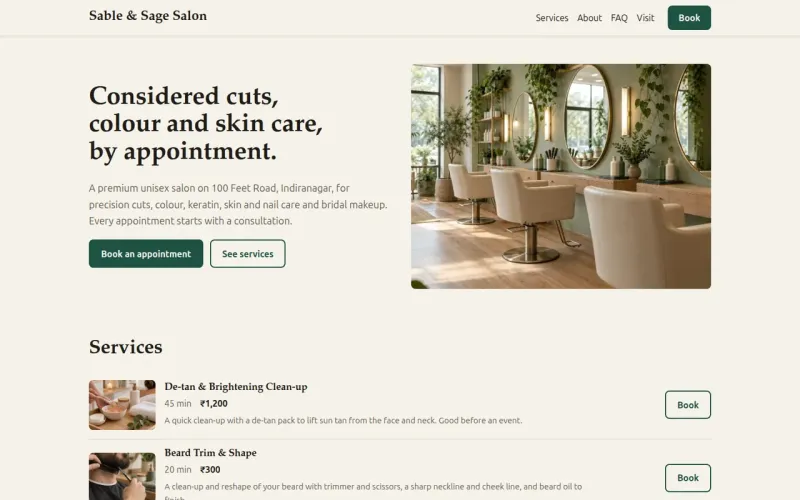
 Sable & Sage SalonSalon · services and bookingsOpen the live site(opens in a new tab)
Demo businesses with sample products. The demos are read-only, so checkout is switched off.
See what Business doesProducts, stock, customers, orders and your team live in one place, in your OpenAlly account. Anything you add later starts with all of that filled in.
Kept in your OpenAlly account, shared by everything here.

Shows your catalogue and takes orders or bookings.

Answers customers from your catalogue and takes the order in chat.

Collect against the order through your own Razorpay or Stripe account.

Each person's role decides what they can see and change.

Describe it in App Builder and connect it to what you already keep.
Sales and support agents
Give an agent your catalogue and it answers product questions on WhatsApp or Telegram, quotes prices and takes the order. Payments and refunds stay with you. Agents can work in your team chat too.
“Do you have this in sage?”
Product questions → sales agent“What’s new this week?”
A focused bot → useful updates“Find the notes for our launch.”
Team questions → shared contextChoose your connections / 12 channels
Illustrated conversations, not customer messages. Each channel is connected separately.
Approve new contacts, assign agents and set trust levels.
Some channels need a bot token or a separate server. iMessage connects through BlueBubbles.
Explore WhatsApp BusinessStart with your Executive Assistant, then add a sales agent and a support agent. Each gets its own model and only the skills you allow. Follow what they do in the Office.
Meet your AI team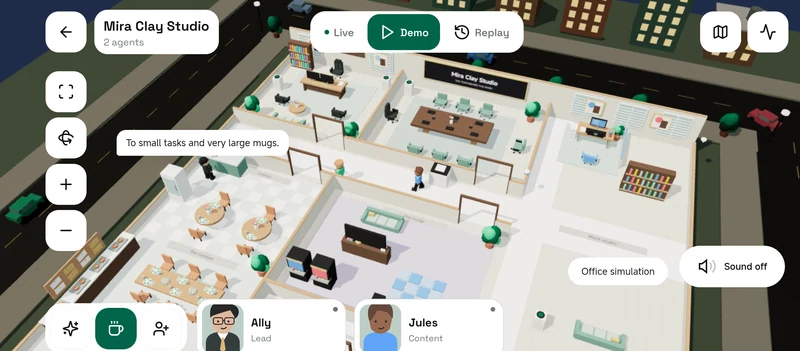
The Office in its built-in simulation mode. You choose your own agents, roles and access.
A few things you can make part of your day.
Keep your products, inventory and orders together. Ask your agents to help with the everyday work.
Take a closer lookActual OpenAlly screens from the Mira Clay Studio demonstration workspace.
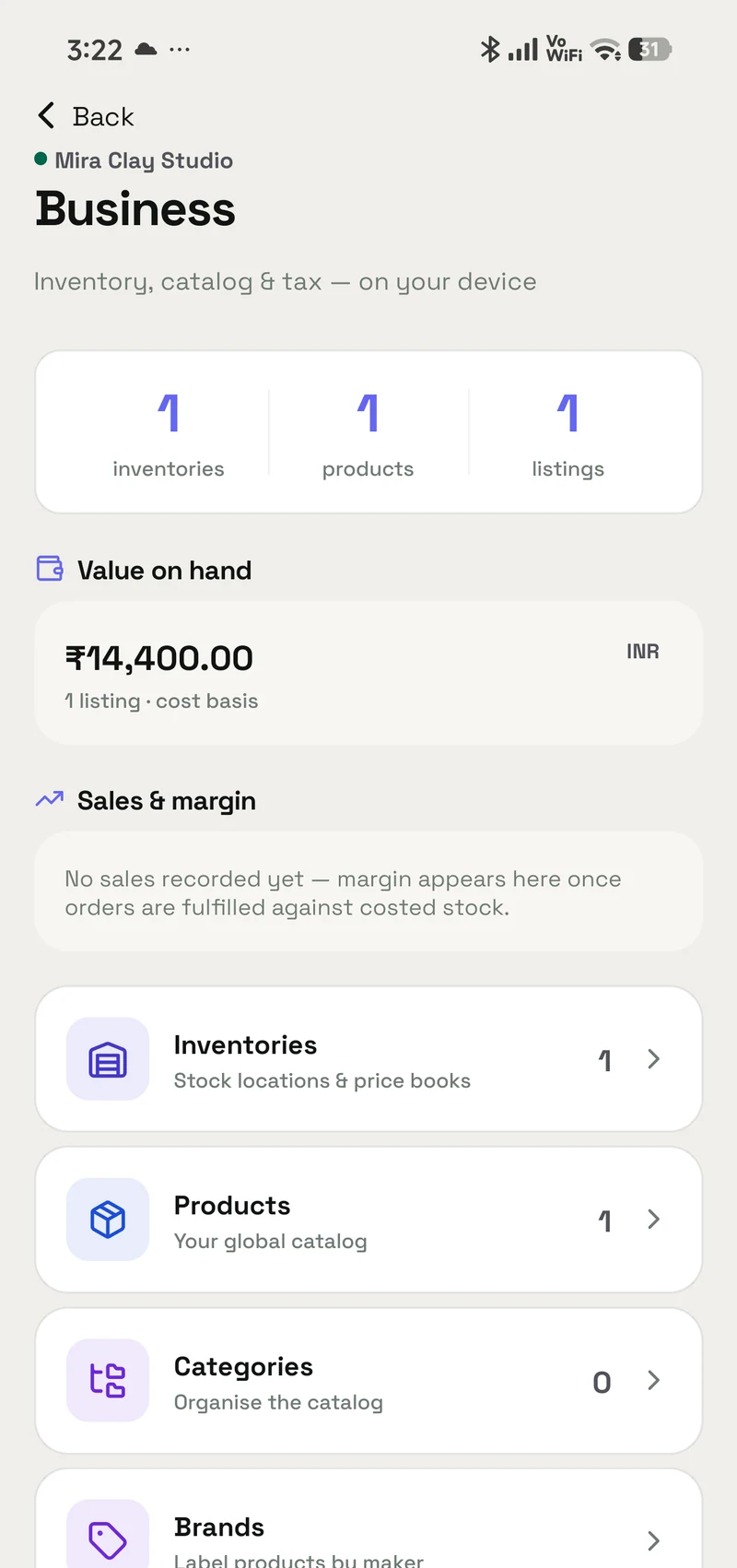
 Your business
Keep notes and ideas in one place, plan the week, or make a video for fun. The same agents help with the rest of your day.
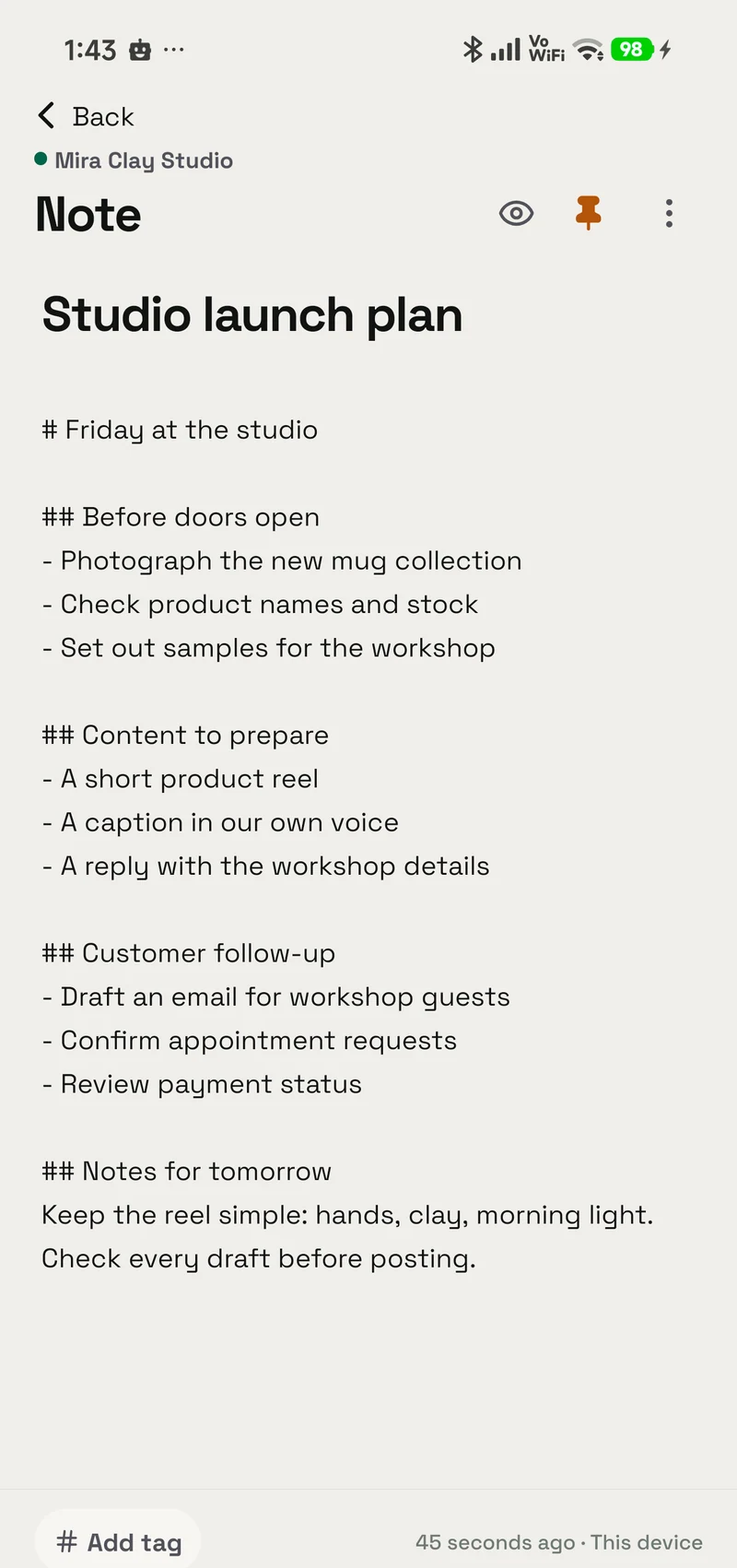
 Notes, drafts & ideas
Write notes, preview your drafts and keep reference material in your workspace. Give an agent access to the knowledge it needs.
Open your notebook
Create images, or turn an idea into a video for your next launch or just for fun. Choose the skill for the work you have in mind.
Explore creative skillsYour choice of AI model
Use Claude, GPT, Gemini or another supported model. Choose one for each agent and switch providers when you need to.
Your cloud keys, a supported subscription, or a model on hardware you control. Keep your agents, apps and business records when you switch.
OpenAlly cloud AI and image credits, plus hosted apps, agent email and WhatsApp Business. Pick the allowance that fits your work.
From US$3.99 / month
USD international list price; many countries pay less. Your store shows your local price. Provider charges may apply.Cloud, subscription and self-hosted options.
The total includes regional and subscription variants, plus custom endpoints. An abbreviation is shown where a brand mark is unavailable. A connection does not include a provider subscription.
Prefer your own hardware? Connect Ollama or a compatible model server. Supported on-device models can handle local requests; capabilities vary by model and device.
How local AI worksFor the business you already run
Pick a template, add a few products and publish when it looks right.
Start free with a supported model of your own.
Content workflows
Posts and videos
for what you sell.
Set up a workflow that turns your products and ideas into drafts, images, voice and short videos. You review everything before it is saved or published.
- Start with a template.Choose the kind of content you want to make.
- Connect the services it needs.Set up the models, voice or media tools for that workflow.
- Keep a creative checkpoint.Read, watch and refine the result before sharing it.
Explore content workflowsbefore it goes out.
Your final say
Real workflow recording · connected services required